

About These Methods
Ideally, I like to customize courses using custom CSS and a bit of basic JS. There are instances when this is not an option. Either the platform does not allow customization using CSS or the partner will not allow contractors and outside vendors to access this feature. Not to worry! It is still possible to provide a custom LMS experience using strategic graphics and/or inline styling.
The screenshots below provide more detail about some ways that I led my teams to customize courses within various LMSs with limited customization options. The examples shown are in the Blackboard Learn LMS, but my teams used similar techniques in Canvas, Brightspace, Docebo, and Coursera. *Some content may have been redacted to protect the privacy and intellectual property of this partner.
Course Development in Blackboard Learn
Blackboard Learn (and Blackboard Ultra) has many amazing features to support learning and accessibiity. One thing that it does not allow directly in the platform is customization through CSS. Our teams, instead, used custom graphics designed by our graphic design team and simple, inline styling to elevate the learner experience.

Adding custom graphics such as icons and simple HTML elements such as a header that matches the university brand creates a better learner experience by providing cues for certain materials and chunking the material visually.
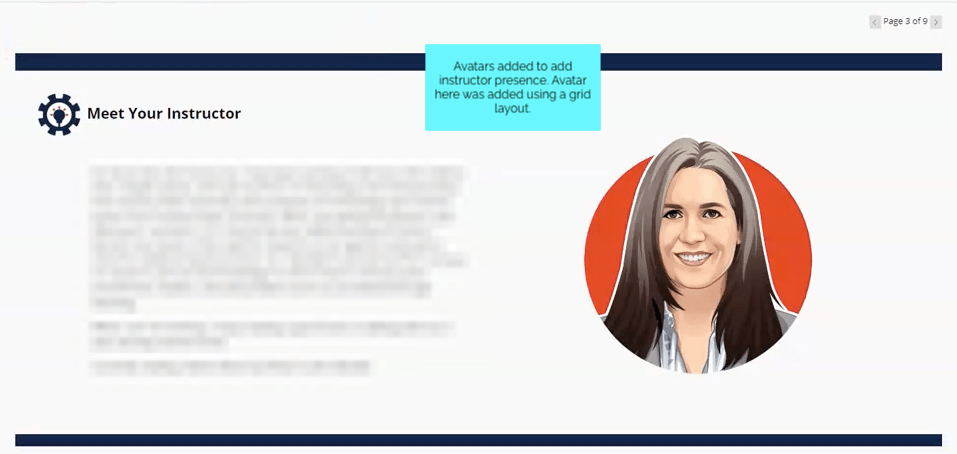
My team created this grid element using HTML to prevent excessive scrolling. The graphic design team provided this amazing instructor avatar which was used throughout the course when the learner would benefit from an instructor voice or presence.
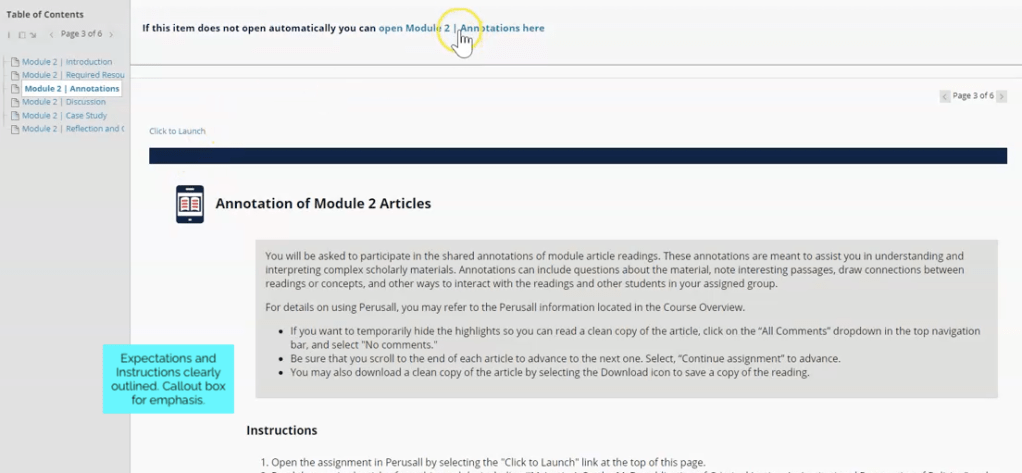
Inline styling was used to create callout boxes to highlight important instructions or details.
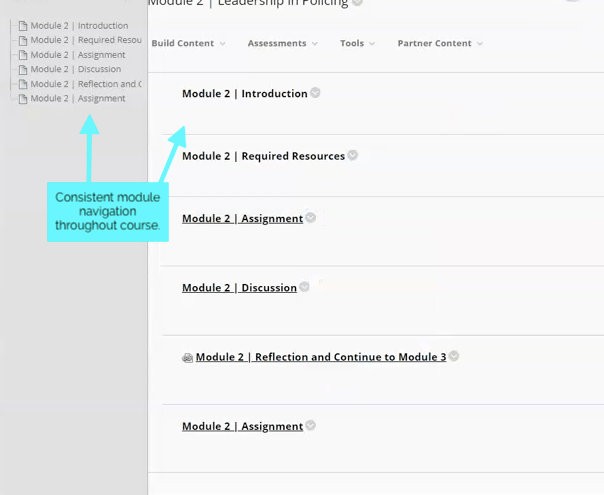
Consistent module nomenclature and navigation was important. From the Blackboard dashboard, learners could easily see what would be expected of them each week.
 KD Design